Posted May 6, 2026 · PeptideCase Editorial
If you're on a GLP-1 protocol — Ozempic, Wegovy, Mounjaro, Zepbound, retatrutide, or any compound version — you're managing pharmacokinetics whether you realize it or not. Knowing what your plasma levels look like over time, and what your titration path is, is the difference between feeling great and feeling like you got hit by a truck every Sunday.
Two free tools handle the visualization for you: the GLP1 Level Plotter and the GLP1 Titration Schedule. This article walks through both, when to use which, and what to do with the answers.
What the Level Plotter Does
The GLP1Calculator Level Plotter simulates your plasma drug concentration over time using published population pharmacokinetic parameters. You enter your compound, dose, and number of weeks — it draws the curve.
Why this matters:
- You see steady state. GLP-1s take 4-7 weeks to reach stable plasma levels. The plotter shows you exactly when you've "settled in" and stops underestimating your effective exposure.
- You see the peak-to-trough swing. The reason you feel great Wednesday and ravenous Saturday isn't psychological — it's pharmacokinetic. The plotter quantifies the swing in a Peak:Trough ratio.
- You can model the future. About to titrate up? Plot the new dose first. See how steady state shifts. No surprises.
- It supports titration mode. Plot a full escalation schedule (e.g., semaglutide weeks 1-4 at 0.25, 5-8 at 0.5, etc.) and see the gradual buildup as one continuous curve.
For people exploring split-dose protocols, the GLP1Microdose Plotter goes a step further — it overlays your microdose schedule on top of the equivalent weekly dose, showing exactly how much smoother microdosing makes your levels.
What the Titration Schedule Tool Does
The GLP1Calculator Titration Schedule is a reference table of standard escalation protocols, but smarter than a static chart. You enter:
- Your compound (semaglutide, tirzepatide, retatrutide)
- Your vial size (e.g., 5 mg)
- Your BAC water amount (typically 2 mL)
- Your current week
And it returns the dose for each titration phase along with the exact injection volume in mL and syringe units you should draw at every phase. Your "current week" gets a YOUR WEEK badge so you know exactly where you are in the protocol.
Standard Titration Schedules (Reference)
Here's what the tool shows for each compound:
Semaglutide (Ozempic, Wegovy, compound)
- Weeks 1–4: 0.25 mg/week (starter)
- Weeks 5–8: 0.5 mg/week
- Weeks 9–12: 1.0 mg/week
- Weeks 13–16: 1.7 mg/week
- Weeks 17+: 2.4 mg/week (max)
Tirzepatide (Mounjaro, Zepbound, compound)
- Weeks 1–4: 2.5 mg/week (starter)
- Weeks 5–8: 5.0 mg/week
- Weeks 9–12: 7.5 mg/week
- Weeks 13–16: 10.0 mg/week
- Weeks 17–20: 12.5 mg/week
- Weeks 21+: 15.0 mg/week (max)
Retatrutide (experimental)
- Weeks 1–4: 1 mg/week (starter)
- Weeks 5–8: 2 mg/week
- Weeks 9–12: 4 mg/week
- Weeks 13–16: 8 mg/week
- Weeks 17+: 12 mg/week (reported max)
Note: Retatrutide is the most potent of the three (triple-agonist GLP-1/GIP/glucagon). Many users microdose retatrutide from day one. See our microdose schedules guide for split-dose alternatives.
Plotter + Titration = Complete Protocol Plan
The two tools work together. The titration schedule tells you what dose to take each week. The plotter shows you what your plasma levels will look like as you escalate.
Combined workflow:
- Open the titration schedule at glp1calculator.com/titration — pick your compound + vial setup, see your dose for the current and upcoming weeks
- Open the level plotter at glp1calculator.com/plotter — switch to "Titration Schedule" mode, simulate 20+ weeks, see the full accumulation curve
- Reconstitute your current vial using our reconstitution calculator
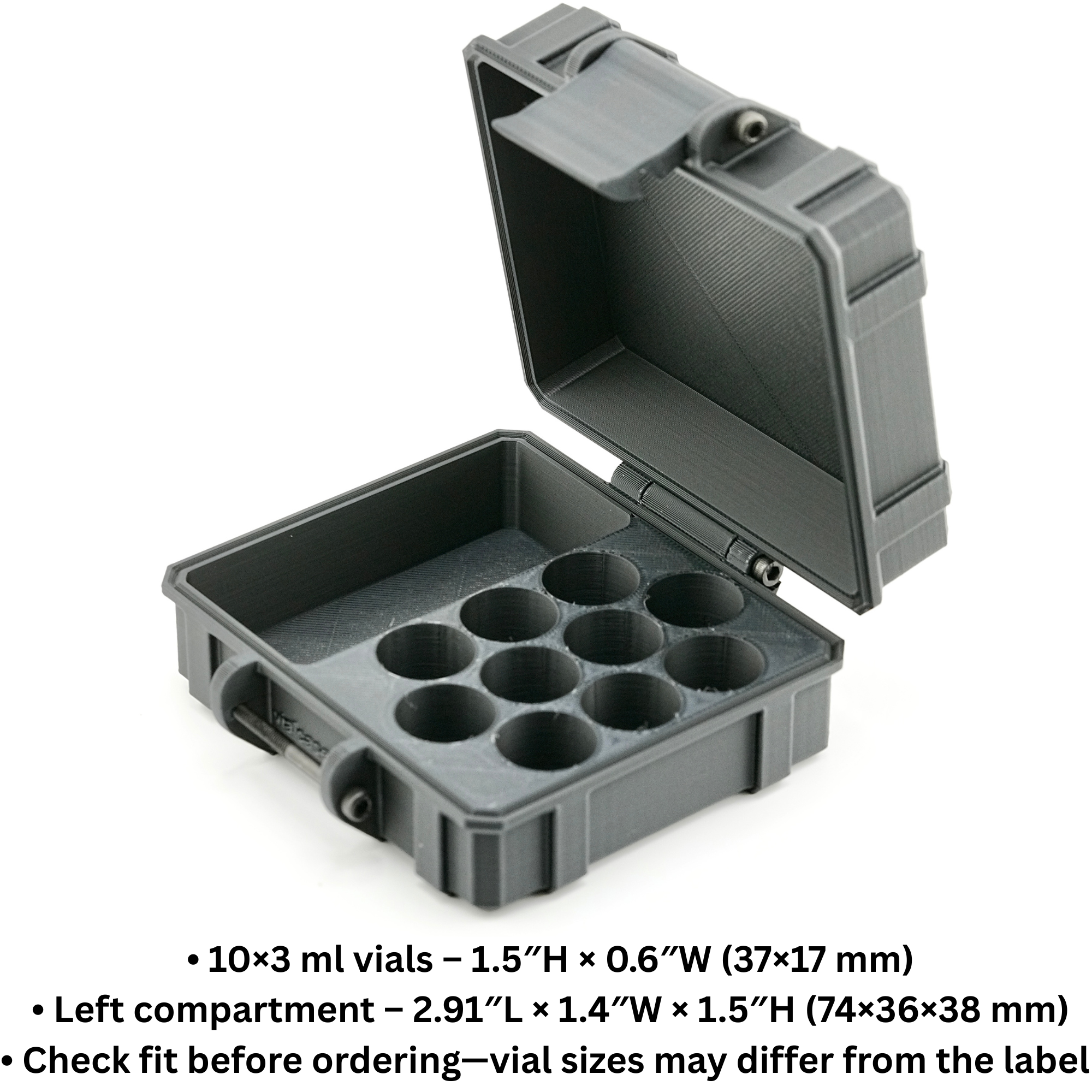
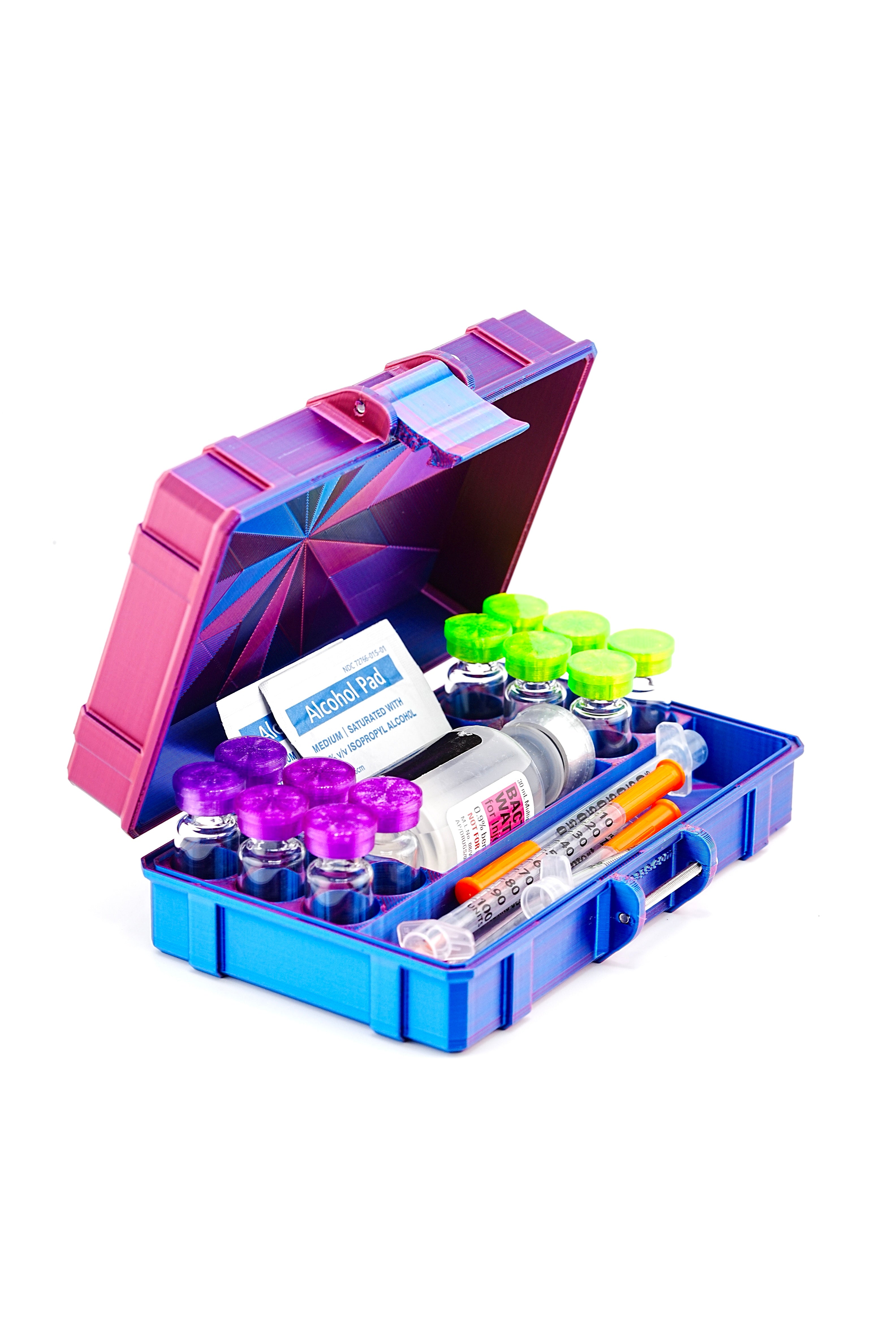
- Store the vial in a hard-shell case to protect potency through the dose phase
- Repeat at the next titration step
Why Storage Becomes Critical During Titration
During titration, you'll cycle through 5+ different doses over 17+ weeks (semaglutide) or 21+ weeks (tirzepatide). At each phase, you may have multiple partial vials in the fridge — last week's dose still has supply left while you're starting the next concentration up.
Without organization, this gets confusing fast. Which vial is which dose? When was each vial reconstituted? Is this one still within the 28-day window?
A good vial case solves this. Each slot is dedicated, you can label which dose is in each slot, and the hard shell protects all the partial vials from breakage when you're moving them around or traveling.

Common Mistakes Both Tools Help You Avoid
- Skipping titration phases. Some users see slow weight loss and jump from 0.5 mg to 1.7 mg semaglutide. The plotter shows that's a 3.4x peak concentration shock. The titration tool says: don't.
- Not waiting for steady state. Side effects often peak in week 2-3 of a new dose. The plotter shows when levels actually stabilize so you can decide if a dose is "your real response" or just the buildup.
- Mixing compounds without re-checking. Switching from semaglutide to tirzepatide? Different half-lives, different titration. Use both tools to plan the transition.
- Underestimating peak-to-trough variability. If your P:T ratio is 2.5x and your trough is 50% of peak, that's a HUGE swing. Plotter shows it. Microdosing solves it.
Bottom Line
The plotter and titration schedule are the two most underused free tools in the GLP-1 community. Most people just inject and hope. Three minutes with these tools turns "hope" into "plan" — and a hard-shell vial case turns the plan into preserved potency through every dose phase.
Open the tools at glp1calculator.com (standard) or glp1microdose.com (split-dose). Pair with a peptide case sized to your protocol.